
SVG Line Drawing Animator
Drop in an SVG logo or illustration: every shape draws itself stroke by stroke, then fills in. Export an animated SVG ready for your website, or a video for your social media.
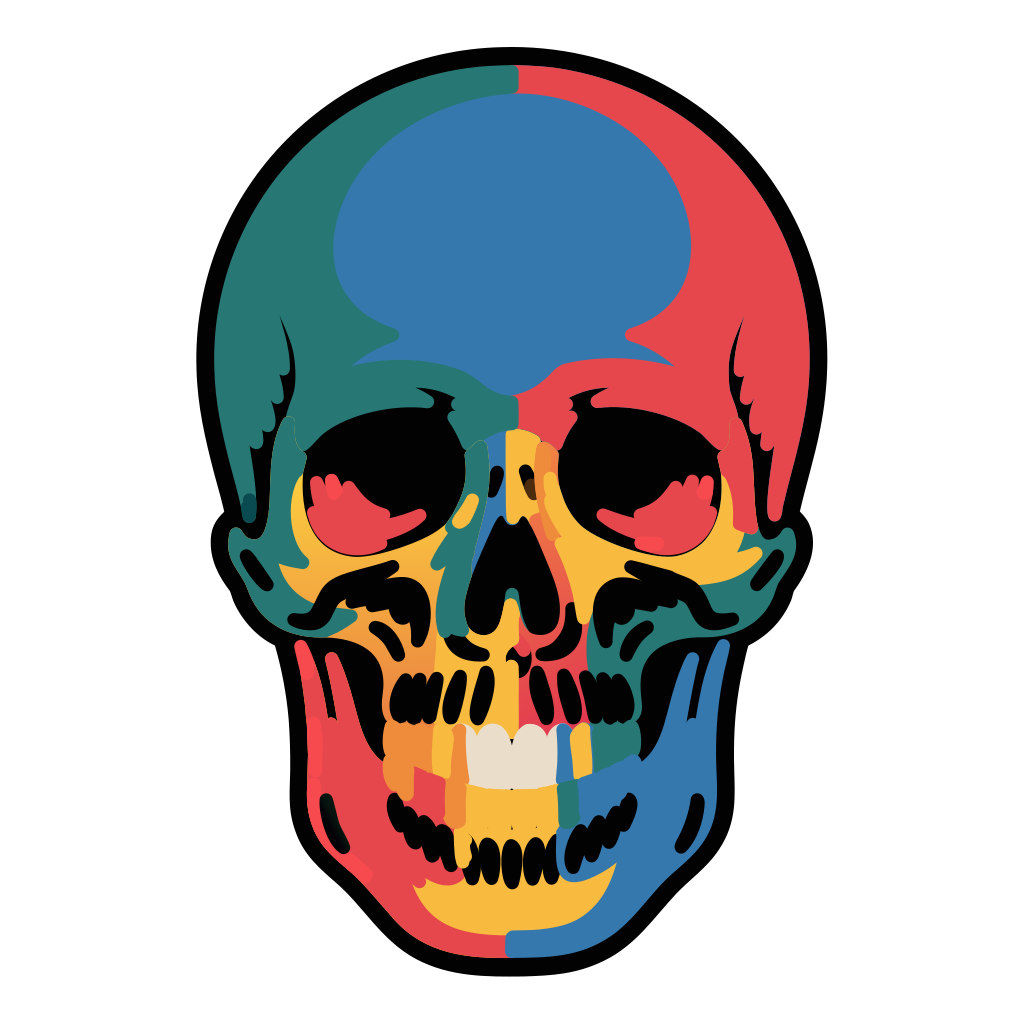
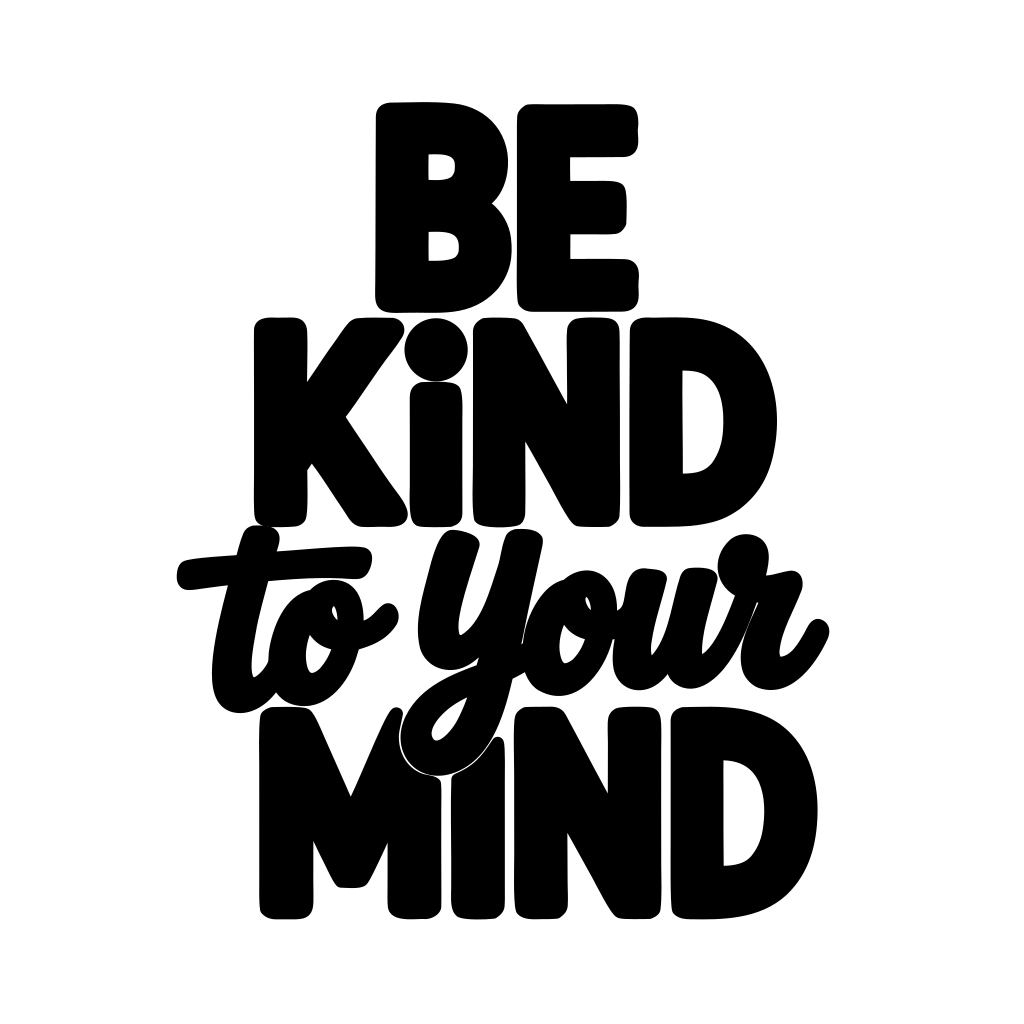
Made with the SVG Animator

What is a line drawing animation?
A line drawing animation makes a vector graphic look as if it were sketched in front of the viewer. Each outline is traced from start to finish, then the colors fade in. It is a popular way to introduce a logo on a landing page, a loading screen or a social media post.
How to animate your SVG
- 1Upload your SVG file by dropping it on the upload area or clicking to browse.
- 2Adjust the timing: drawing duration, overlap between shapes, drawing order, stroke speed and easing curve.
- 3Choose the rendering: when the fill appears, the stroke width, and whether the outline disappears once filled.
- 4Download the animated SVG or copy its code for your website, or download an MP4 video for social media.
Animated SVG or video?
The animated SVG stays sharp at any size and weighs only a few kilobytes, which makes it the best choice for websites. Social networks do not accept animated SVG files, so use the MP4 export for Instagram, TikTok, LinkedIn or YouTube. Pick the story format for vertical posts and the wide format for video players.
Frequently asked questions
View all FAQs →- How does the line drawing animation work?
- Each shape gets a stroke dash as long as its outline. The dash slides into place so the outline seems to draw itself, then the fill fades in. Everything is done with CSS keyframes inside the SVG file.
- Does the animated SVG need JavaScript?
- No. The animation is pure CSS stored in a style tag inside the SVG. Paste the code into your HTML or use the file in an img tag and it plays on its own. Visitors who turn on reduce motion in their system settings see the finished drawing right away.
- Which SVG files work best?
- Logos, icons and illustrations made of paths and basic shapes. Text and embedded images are not drawn stroke by stroke: they fade in once the drawing is done. Very complex files with thousands of shapes make heavy animations, so simplify them first with the SVG Optimizer.
- Can I export a video for social media?
- Yes. Choose a format (original, square, story 9:16 or wide 16:9) and a background, then download an MP4 video at 1080p. The video is rendered frame by frame in your browser. It works in recent versions of Chrome, Edge and Safari.
- What do the timing settings do?
- Drawing duration sets how long the whole drawing takes. Overlap controls how many shapes are drawn at the same time, from one after the other to all at once. Order picks which shapes start first, and stroke speed either keeps the same pace on every line or gives each shape the same time.
- Is my SVG uploaded to a server?
- No. The animator runs entirely in your browser, including the video export. Your file is never uploaded to a server, no account is required and nothing is stored after you close the tab.
More free SVG tools
Everything you need to work with SVG files.
SVG Converter
Convert PNG, JPG, WEBP, GIF, AVIF, TIFF or BMP to a crisp SVG vector file.
SVG Color Editor
Edit any color in an SVG file in real-time and download the result instantly.
SVG Palette Swapper
Apply one of 10 curated color palettes to your SVG in a single click.
SVG Optimizer
Compress and clean SVG markup, removing redundant code to reduce file size.
SVG to PNG
Export any SVG as a PNG at 1x, 2x, 3x or 4x resolution, fully in the browser.
SVG to PDF
Convert any SVG into a sharp vector PDF. Fit to the SVG or use A4, Letter, Legal or A3.
SVG to React
Convert any SVG into a typed TypeScript React component with one click.
SVG to Base64
Encode any SVG as a Base64 data URI for use in CSS, HTML or JavaScript.
SVG to DXF
Convert any SVG file to DXF format for laser cutters, CNC routers and vinyl cutters.
JPG to DXF
Vectorize a JPG image and export it as DXF for laser cutting or CNC.
PNG to DXF
Vectorize a PNG image and export it as DXF for laser cutting or CNC.
SVG to Favicon
Convert any SVG into a favicon.ico, SVG favicon, and apple-touch-icon PNG in one click.
SVG Pattern Maker
Turn any SVG into a seamless repeating tile pattern. Download as SVG or copy the CSS snippet.
SVG to WebP
Export any SVG as a WebP image at 1x, 2x, 3x or 4x. Smaller files than PNG, fully in your browser.
SVG QR Code
Generate a scalable vector QR code. Custom colors, transparent background, download as SVG or PNG.
SVG to Embroidery
Convert SVG outlines to Tajima DST embroidery format for use with embroidery machines.